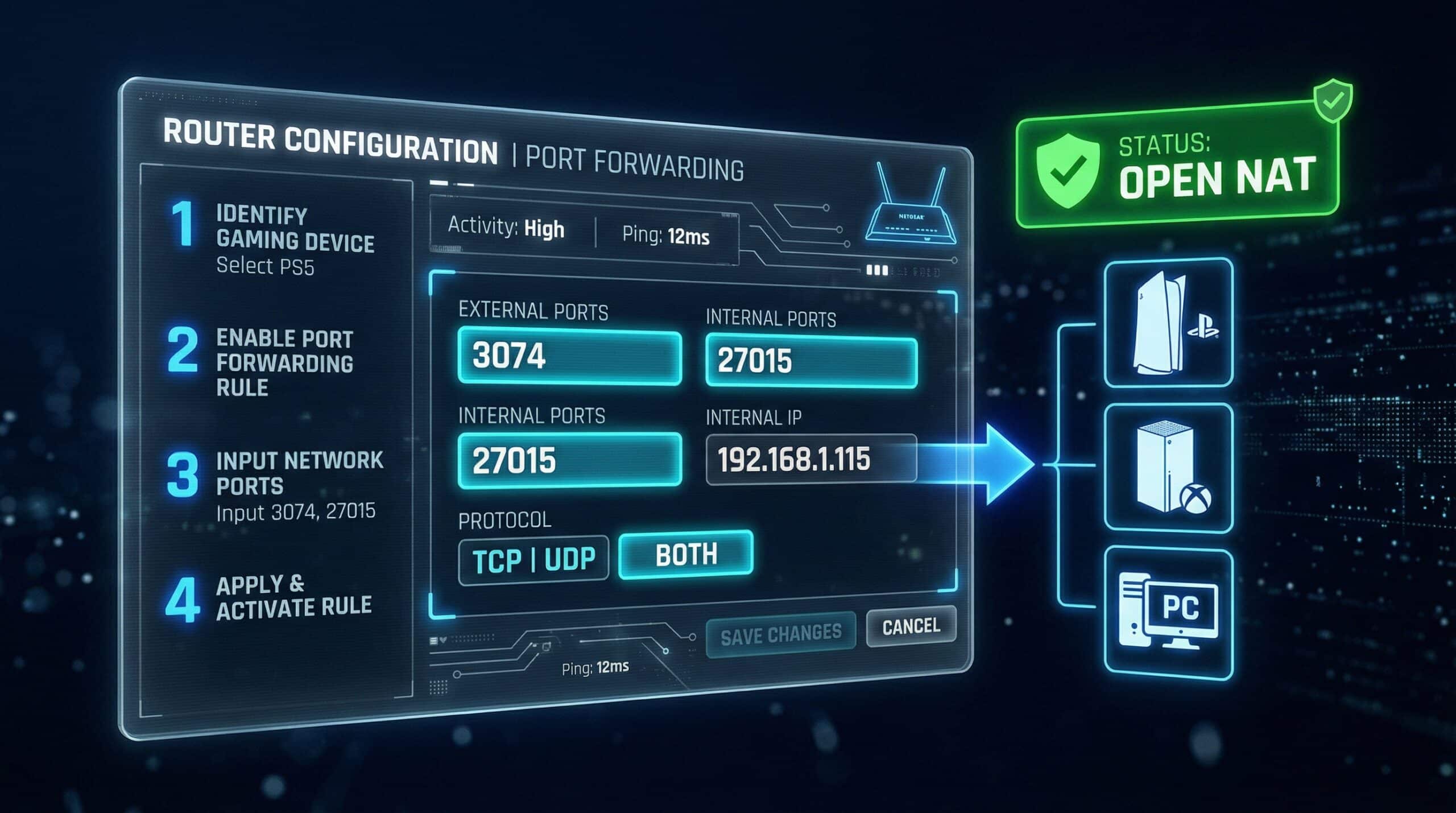
How to Port Forward for Gaming — Step-by-Step for PS5, Xbox, and PC
Port forwarding manually opens specific network ports for your gaming devices, ensuring Open NAT without relying on UPnP. This results in better multiplayer connectivity, faster matchmaking, and fewer connection failures. Check your connection quality at instantspeedtest.net/ first — port issues affect gameplay latency.
Required Gaming Ports — By Platform
| Platform | Ports to Forward | Protocol |
|---|---|---|
| PlayStation 5 / PS4 | 80, 443, 3478, 3479, 3480 | TCP + UDP |
| Xbox Series X/S / One | 53, 80, 3074, 3544, 4500 | TCP + UDP |
| Nintendo Switch | 45000–65535, 1024–65535 | UDP |
| Steam (PC) | 27015–27030, 27036–27037 | TCP + UDP |
| Battle.net (PC) | 1119, 3724, 6112–6114 | TCP + UDP |
The Port Forwarding Process — Step by Step
Step 1 — Get your device’s local IP. PS5: Settings → Network → View Connection Status. Xbox: Settings → General → Network → Advanced Settings. PC: Command prompt → ipconfig → IPv4 address.
Step 2 — Set a static IP for your gaming device. In router admin (192.168.1.1): find DHCP reservations, assign a fixed IP to your device’s MAC address. This prevents the IP changing and breaking your port forward.
Step 3 — Create port forwarding rules. In router admin → Port Forwarding / Virtual Server: enter each port, select TCP/UDP, enter your device’s static IP, save.
Step 4 — Restart console and test NAT. After a restart, run the console’s network test. NAT should show Open. See our UPnP guide for the automatic alternative.
Related Guides
- What Is UPnP?
- How to Fix Strict NAT Type
- Test Speed on PS5
- Test Speed on Xbox
- Improve Gaming Ping
- Does a Router Affect Speed?
Frequently Asked Questions
Do I need port forwarding if UPnP is enabled?
No — UPnP handles port opening automatically. Port forwarding is the manual alternative when UPnP is disabled or not working reliably. Most users should try enabling UPnP first (simpler) before manually configuring port forwarding. Use manual port forwarding if: your router doesn’t support UPnP; you prefer not to run UPnP for security reasons; or UPnP isn’t achieving Open NAT on your specific router.
Will port forwarding make games faster?
Port forwarding improves NAT type and connection reliability, not raw speed. Open NAT means your console can connect to more peers and host sessions more effectively — improving matchmaking success rate and reducing connection-refused errors. It doesn’t increase download speed or reduce ping to game servers. The ping improvement from port forwarding is typically 0–5ms — real but modest. The main benefit is matchmaking reliability, not latency.