What Is Bufferbloat and How Does It Ruin Your Internet?
Bufferbloat is one of the most common and least understood internet problems. It causes your gaming ping to spike dramatically the moment someone starts downloading something on your network — even though you have “fast” internet. Test your connection at instantspeedtest.net/ and pay close attention to ping.
Bufferbloat Explained — What Happens When Queues Fill Up
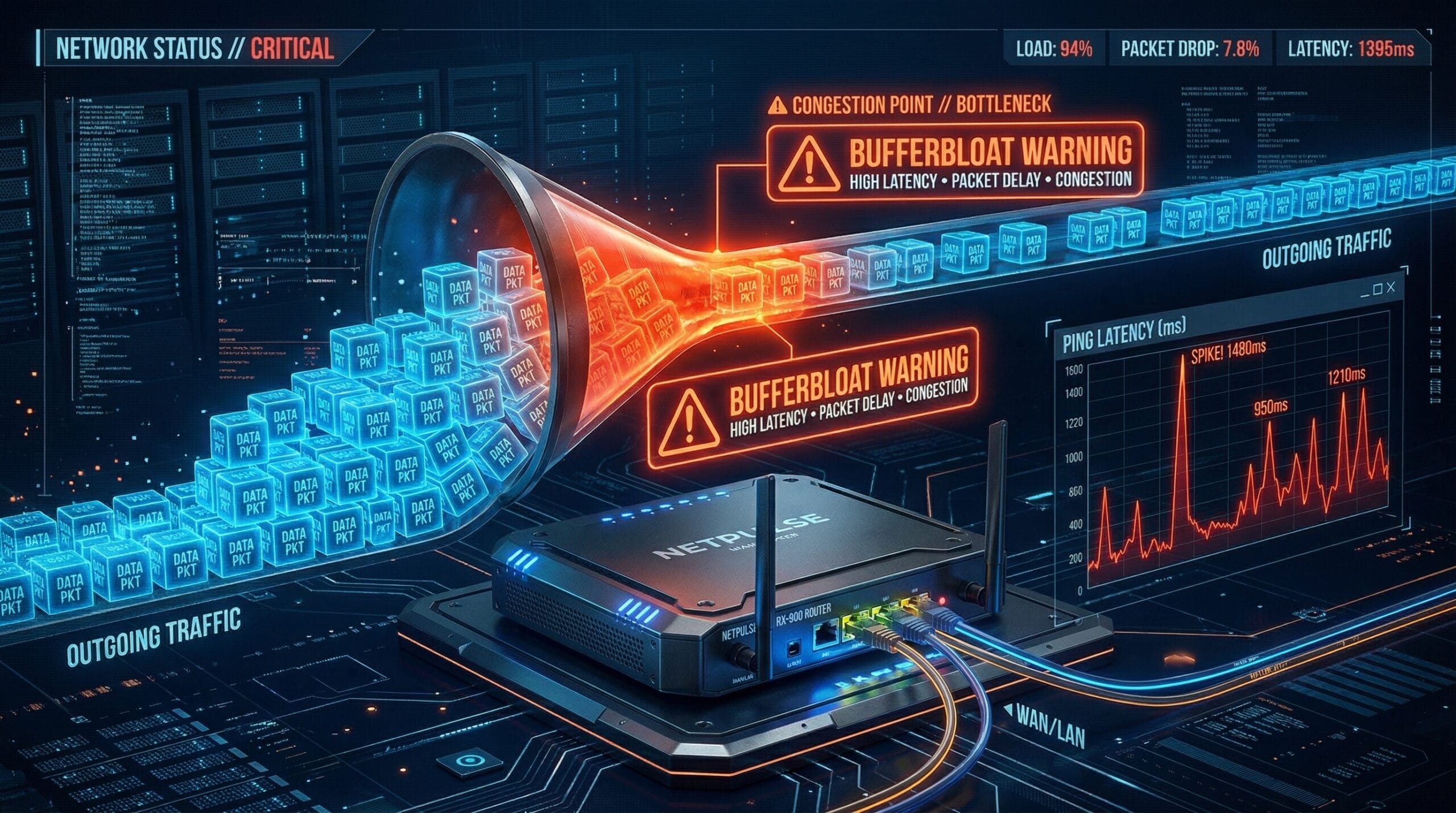
Your router has a queue for outgoing packets. When your connection is fully saturated (someone downloading a large file), the queue fills. New packets — like your gaming inputs — are forced to wait in this queue behind all the download traffic. This adds tens or hundreds of milliseconds of delay to your gaming packets, causing ping spikes that have nothing to do with your ISP. The irony: the faster your internet plan, the larger the buffer your router creates — meaning faster plans can have worse bufferbloat.
Bufferbloat Grades — What Each Score Means
| Grade | Latency Under Load | Gaming Impact | Fix Needed |
|---|---|---|---|
| A | Under 5ms added | None | No |
| B | 5–30ms added | Minimal | Optional |
| C | 30–60ms added | Noticeable | Recommended |
| D | 60–200ms added | Significant | Yes |
| F | 200ms+ added | Unplayable under load | Urgent |
How to Fix Bufferbloat — SQM and FQ-CoDel
The fix is Smart Queue Management (SQM) using the FQ-CoDel algorithm, which intelligently manages the packet queue to ensure latency-sensitive packets (gaming) aren’t delayed by bulk traffic (downloads). Enable SQM in your router settings if available — routers running DD-WRT, OpenWrt, or pfSense have robust SQM support. For routers without SQM, manually cap your upload/download to 90% of your plan speed in QoS settings — this prevents full saturation and reduces queue buildup. A-grade routers for bufferbloat include the Asus RT-AX88U Pro, Netgear Orbi 960, and any router running OpenWrt with SQM enabled. See our ping improvement guide.
Related Guides
- How to Improve Ping for Gaming
- What Is Jitter?
- Jitter vs Ping for Gaming
- Does a Router Affect Internet Speed?
- How to Speed Up a Slow Router
- Internet Fast But Pages Load Slowly
Frequently Asked Questions
How do I test for bufferbloat?
The Waveform Bufferbloat Test (waveform.com/tools/bufferbloat) measures your connection under load and gives an A–F grade. Start a large download (or use their built-in saturation test), then measure latency — the difference between idle ping and loaded ping is your bufferbloat score. A difference of over 100ms = Grade F. You can also use the DSLReports speed test which includes a bufferbloat measurement alongside speed metrics.
Does fiber internet have bufferbloat?
Fiber infrastructure has much lower bufferbloat than cable because fiber’s dedicated per-home architecture avoids the shared-node congestion that fills cable buffers. However, router-side bufferbloat can still exist on fiber — it’s determined by your router’s queue management, not the ISP technology. Even on fiber, enabling SQM/FQ-CoDel provides measurable improvement for households where gaming and downloading happen simultaneously.