Internet Speed for Working From Home With Kids — What You Need
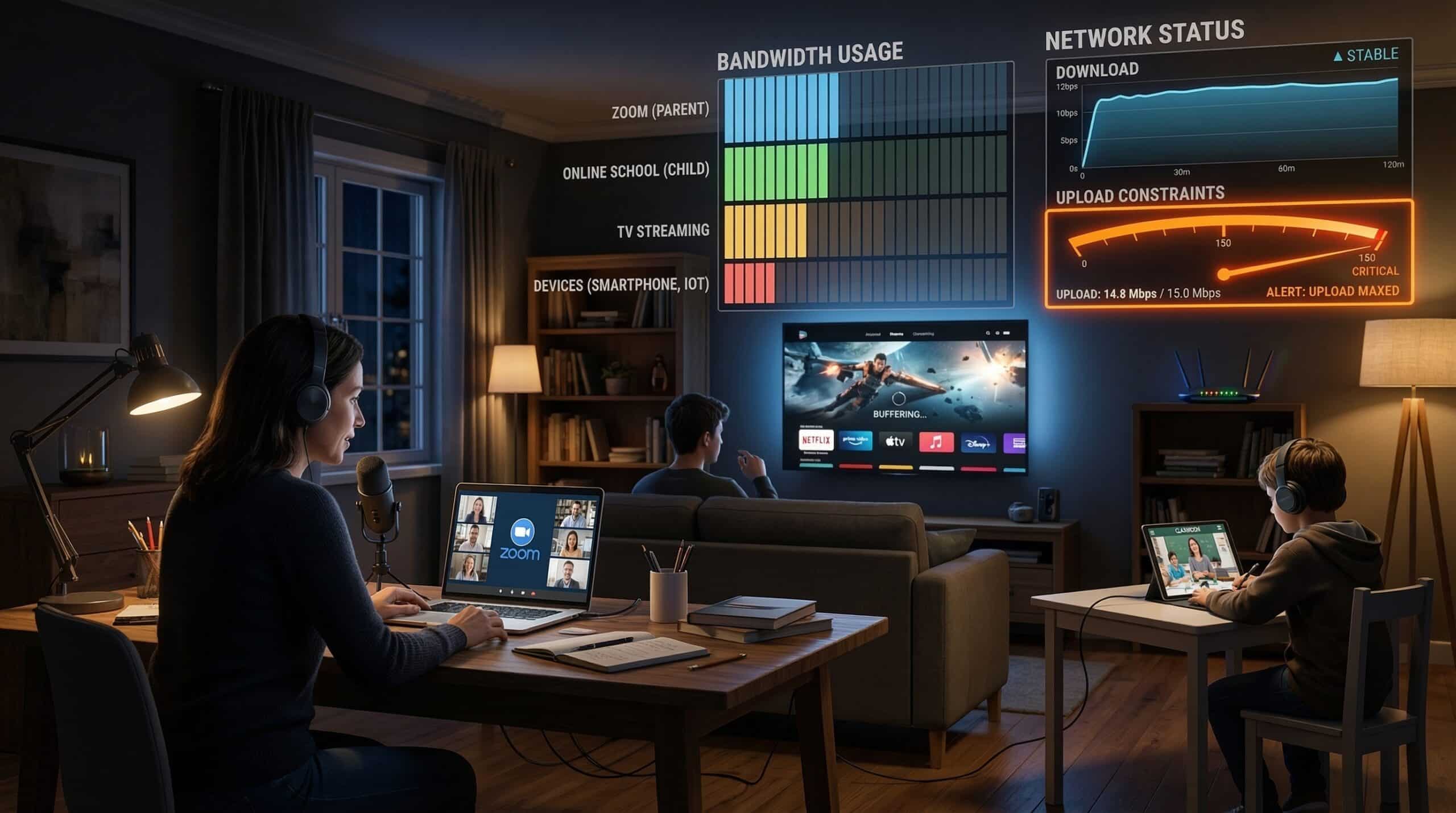
The WFH + kids at home scenario is one of the most bandwidth-demanding household configurations. Multiple simultaneous video calls, online school, gaming, and streaming all compete for the same connection. Test your current speed at instantspeedtest.net/ and compare to the requirements below.
WFH + Kids — Total Bandwidth Calculation
| Scenario | Download Needed | Upload Needed |
|---|---|---|
| 1 WFH parent + 1 child in online school | 25 Mbps | 10 Mbps |
| 2 WFH parents + 2 children in school | 50–75 Mbps | 20–30 Mbps |
| 2 WFH parents + 2 children + gaming/streaming | 100–150 Mbps | 25–40 Mbps |
| 2 WFH parents + 2 children + 4K TV streaming | 150–200 Mbps | 25–40 Mbps |
| Heavy household (all of the above simultaneously) | 200+ Mbps | 40+ Mbps |
The Upload Problem — Why Cable Fails WFH Families
Two parents on simultaneous HD Zoom calls require 8–10 Mbps upload. Add two children in online school video classes: another 8–10 Mbps upload. Total: 16–20 Mbps upload continuously. Cable plans at 300 Mbps download often cap upload at 20 Mbps — completely consumed by the family’s video call requirements alone, leaving no headroom for cloud sync, backups, or any upload fluctuations. This is why WFH families consistently report video call quality problems despite “fast” cable internet. The fix: upgrade to a cable plan with higher upload, or switch to fiber for symmetric speeds. See our WFH internet guide and online school speed requirements.
Related Guides
- Good Internet Speed for Working From Home
- Internet Speed for Online School
- What Is a Good Upload Speed?
- Good Internet Speed for a Family of 4
- Fiber vs Cable Internet
- Is 100 Mbps Fast Enough?
Frequently Asked Questions
What internet plan do I need for 2 WFH adults and 2 kids in school?
Minimum: 100 Mbps download / 25 Mbps upload for adequate performance. Recommended: 200 Mbps download / 40+ Mbps upload for comfortable headroom. On fiber, a 200/200 symmetric plan handles this scenario easily. On cable, ensure the plan specifies at least 30–40 Mbps upload — check carefully, as cable ISPs don’t always highlight upload speed in plan advertising.
Should I prioritize WFH calls over kids’ streaming?
Enable QoS on your router to prioritize video call traffic (Zoom, Teams) over general streaming and web browsing. QoS doesn’t give you more total bandwidth but ensures work calls get priority when the connection is under load. Most router admin panels have QoS settings — look for “Application Priority” or “Traffic Priority” and set business applications to high priority.