How to Get Faster Internet Without Upgrading Your Plan
Before paying more for a higher-tier plan, make sure you’re actually getting what you’re paying for now. Most homes leave significant performance on the table due to fixable hardware, software, and configuration issues. Test your current speed at instantspeedtest.net/, then implement these improvements and retest.
Free Speed Improvements — Ordered by Impact
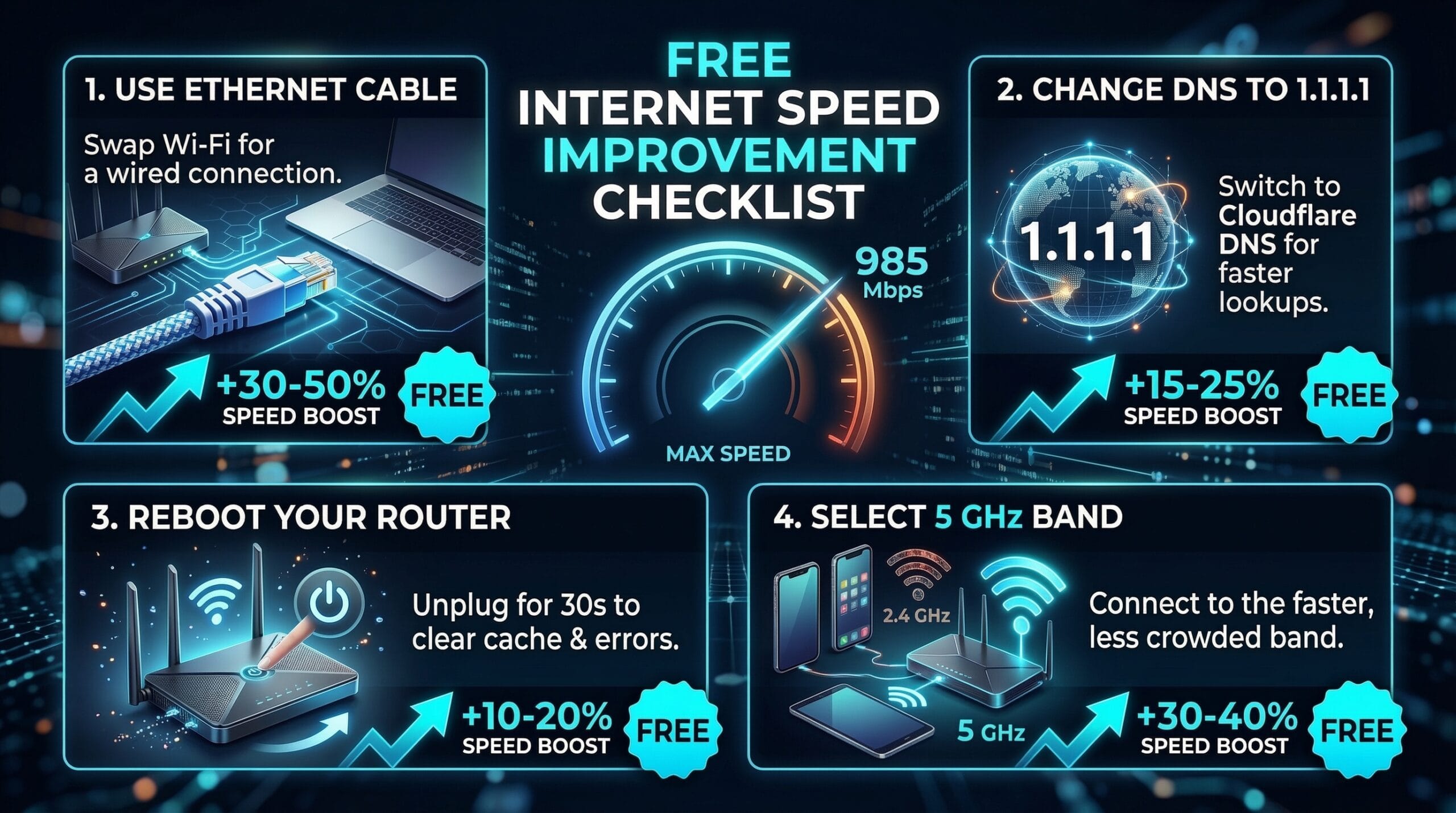
1. Switch to Ethernet. WiFi typically delivers 50–70% of your plan speed; Ethernet delivers 90–100%. Free with a cable.
2. Connect to 5 GHz WiFi. If Ethernet isn’t possible, 5 GHz delivers 2–5x more speed than 2.4 GHz at typical home distances.
3. Change DNS to 1.1.1.1. Free, takes 2 minutes, improves page load times by reducing DNS lookup latency. Settings → Network → DNS → 1.1.1.1 / 1.0.0.1.
4. Close background bandwidth consumers. Check Task Manager → Network for background apps consuming your connection (cloud sync, automatic updates, streaming).
5. Restart router monthly. Clears memory leaks and refreshes ISP connection. Many people run routers for months without rebooting — performance degrades over time.
6. Update router firmware. Router admin → Administration → Firmware Update. Performance improvements are regularly included in updates.
7. Position router optimally. Central, elevated, clear of metal and appliances. See our router placement guide for science-backed positioning.
8. Update network drivers (PC). Outdated WiFi drivers are a major cause of below-potential speeds on Windows laptops.
When These Free Fixes Reach Their Limit
If you implement all the above and still get 50% or less of your plan speed via Ethernet directly to the modem, the issue is with your ISP’s delivery or your modem hardware. Document wired-to-modem speed test results and contact your ISP. If speeds improve with a different modem (ISP or your own), modem replacement is needed. If it’s ISP-level infrastructure, congestion complaints or ISP switching become the solution.
Related Guides
- How to Speed Up Internet on PC
- Best DNS Servers for Speed
- Does Router Placement Affect Speed?
- Wired vs Wireless Internet Speed
- How to Boost WiFi Signal
- Download Speed Slower Than Plan
Frequently Asked Questions
Can I get my ISP to give me faster speeds for free?
Sometimes — if your current plan is outdated relative to what your ISP now offers at the same price tier, calling retention/loyalty and asking to be upgraded to the current equivalent plan can result in a free speed increase. ISPs regularly upgrade plan speeds without notifying existing customers. Asking specifically: “I’ve been a customer for X years — are there any speed upgrades available at my current price?” often yields results.
Does turning off other devices’ WiFi increase speed?
Only if those devices are actively consuming bandwidth. An idle device connected to WiFi uses near-zero bandwidth — disconnecting it doesn’t improve your speed. However, if specific devices are running large downloads or syncing cloud data, pausing that activity frees bandwidth for the device you’re prioritizing. The number of connected devices matters less than the number of devices actively transferring data.