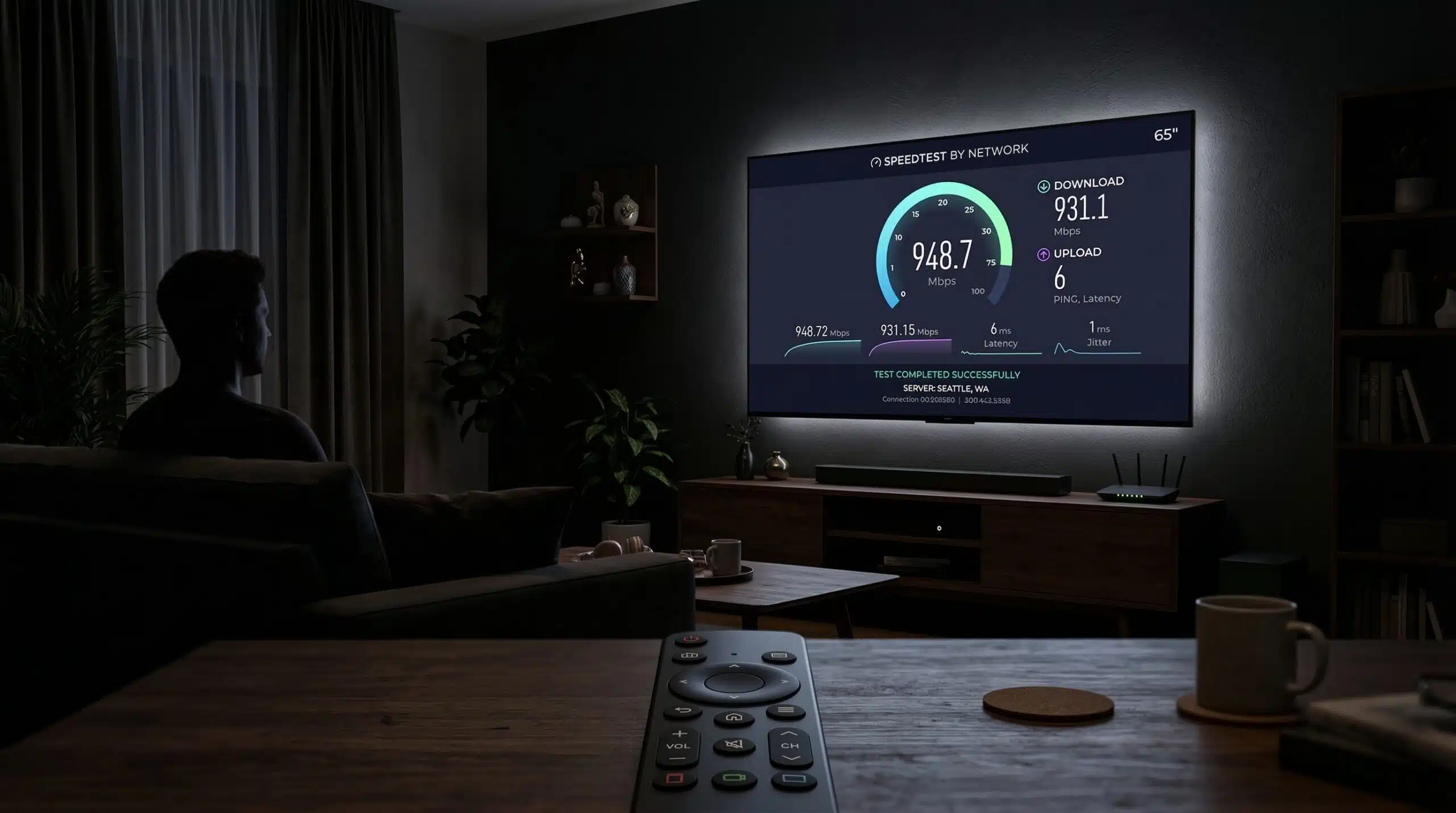
How to Test Internet Speed on Your Smart TV
Testing internet speed on your smart TV gives you the actual speed available at the TV — which matters for 4K streaming reliability. Most smart TVs have a built-in speed test or network diagnostics tool. Alternatively, open a browser on the TV and visit instantspeedtest.net/ directly.
Speed Test Methods by TV Brand — Step by Step
Samsung Smart TV: Settings → Support → Device Care → Self Diagnosis → Network Status → Start Network Test. Shows download speed and connection quality. Alternatively, open Samsung Internet browser → navigate to instantspeedtest.net/.
LG WebOS TV: Settings → Network → Wired/WiFi Connection → Connection Check runs a basic test. For full speed test: Home → LG Content Store → search “Speed Test” for third-party apps, or use LG’s built-in browser to visit our speed test.
Sony Android/Google TV: Settings → Network → Network Status shows connection but limited speed data. Use Chrome browser on the TV → visit instantspeedtest.net/ for a full speed test.
Roku: Settings → Network → Check Connection shows signal strength and speed. For detailed testing, add a speed test channel from the Roku Channel Store.
Fire TV: Settings → Network → select your network → shows connected speed. Alternatively download a speed test app from the Amazon Appstore.
Apple TV: Settings → Network → select your network → shows connection type. For speed test: install a speed test app from the App Store, or use Apple TV’s built-in AirPlay to mirror a speed test from your iPhone.
What Speed Does Your Smart TV Actually Need?
For HD (1080p) streaming: 5–10 Mbps. For 4K HDR streaming: 15–25 Mbps per platform (Netflix, Disney+, etc.). If your TV speed test shows 25+ Mbps, 4K streaming should run without buffering on any major platform. If speed is under 15 Mbps at the TV, switching from WiFi to Ethernet (via a USB-to-Ethernet adapter if needed) typically resolves 4K buffering issues. See our Netflix 4K speed requirements.
Related Guides
- Internet Speed for Netflix 4K
- Good Internet Speed for Streaming
- How to Fix Buffering
- Wired vs Wireless Internet Speed
- How to Test Speed Without App
- 2.4 GHz vs 5 GHz WiFi
Frequently Asked Questions
Why is my smart TV WiFi slow even though my phone is fast?
Smart TVs typically have less capable WiFi hardware than modern phones — older TV WiFi adapters may be 2.4 GHz only or early-generation WiFi 5. If possible, connect your TV via Ethernet for stable 4K streaming. If Ethernet isn’t an option, ensure your TV is on the 5 GHz band (if supported) and positioned within good signal range of your router.
Can I use instantspeedtest.net/ on my smart TV browser?
Yes — our speed test works in any modern browser including smart TV browsers. Open the browser on your TV, navigate to instantspeedtest.net/, and run the test. The result reflects the actual download and upload speed available to your TV from its current location and network connection.