How to Speed Up Internet on Your Phone — WiFi and Mobile Data
Phone internet speed depends on two separate systems: WiFi (when at home or on a known network) and mobile data (LTE/5G when out). Different fixes apply to each. Start by testing at instantspeedtest.net/ to identify whether your issue is WiFi-specific or affects all connections.
Speed Up Phone WiFi — Quick Fixes
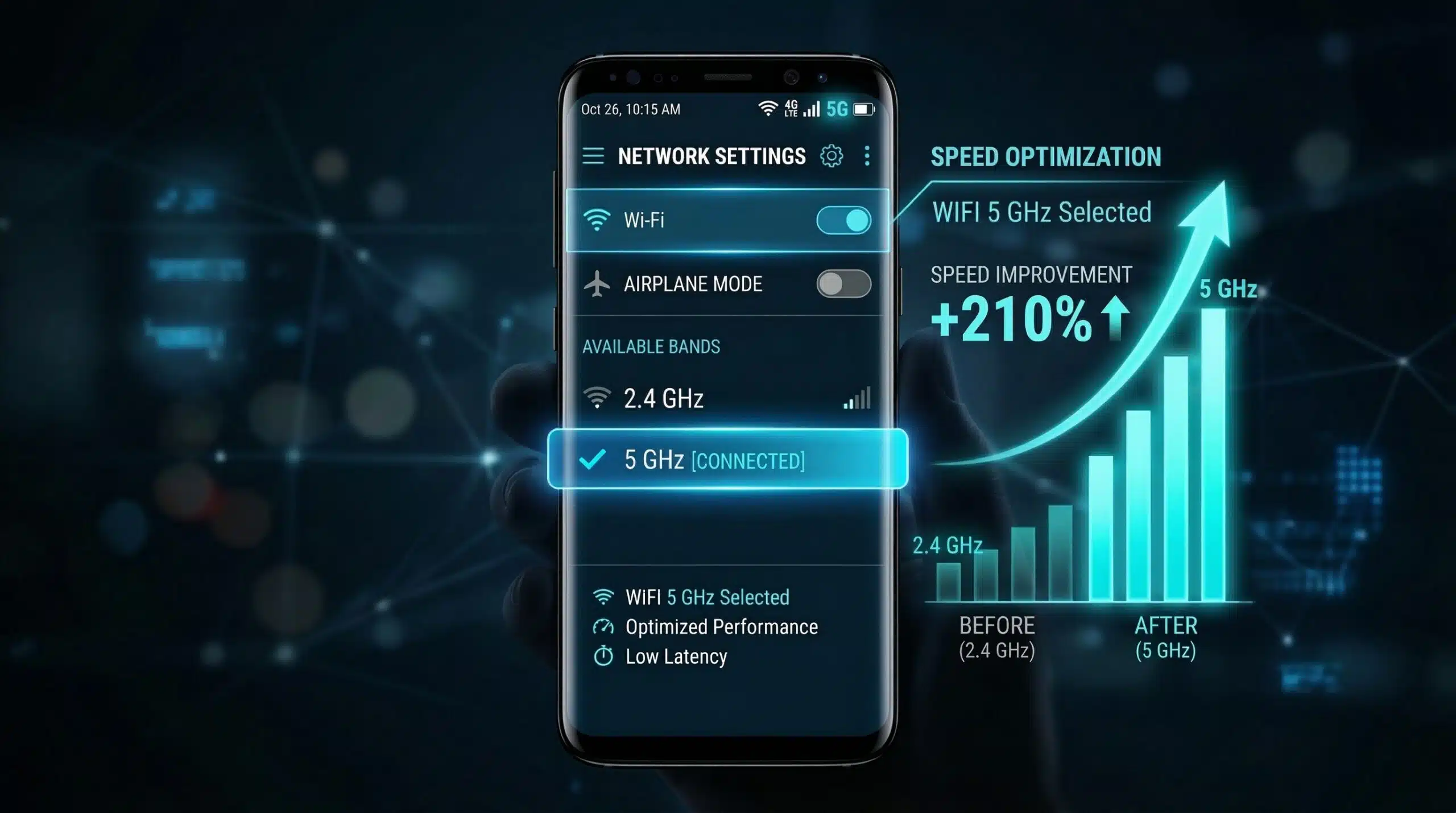
1. Connect to 5 GHz band. In WiFi settings, look for a network with “_5G” or “5GHz” in the name. 5 GHz provides 2–5x the speed of 2.4 GHz at close range.
2. Move closer to router. Signal strength drops with distance and walls. At 10 meters through two walls, 5 GHz speed can drop 60%.
3. Change DNS. Both iOS and Android allow custom DNS. Set to 1.1.1.1 for faster domain lookups that improve page load speed.
4. Disable battery saver. Battery saver modes aggressively throttle background processes including network activity, degrading perceived speed.
5. Forget and rejoin the network. Clears cached connection state; forces fresh channel and IP assignment.
Speed Up Mobile Data — Quick Fixes
1. Enable 5G if available. Settings → Mobile/Cellular → Network mode → select 5G/LTE Auto. Some phones default to LTE even when 5G is available.
2. Check data throttling. You may have hit your plan’s data cap, triggering throttled speeds. Check your carrier app for current data usage.
3. Toggle airplane mode. Turn airplane mode on for 10 seconds, then off. Forces the phone to reconnect to the nearest cell tower with the best signal.
4. Clear carrier settings (iOS). Settings → General → About — if a carrier settings update is available, a prompt appears. Install it.
5. Check network congestion. Mobile data slows in crowded areas (events, rush hour). This is infrastructure-level and unfixable locally — wait or move to a less congested area.
Related Guides
- How to Fix Slow WiFi on iPhone
- How to Fix Slow WiFi on Android
- How to Test Mobile Data Speed
- 4G vs 5G Speed
- Best DNS Servers for Speed
- 2.4 GHz vs 5 GHz WiFi
Frequently Asked Questions
Does clearing app cache speed up mobile internet?
Clearing cache removes stored app data that may be corrupted and causing slow behavior within apps. It doesn’t directly improve network speed, but apps that cache data aggressively (browsers, social media) can load fresh content faster after a cache clear. For actual bandwidth improvement, focus on DNS changes, 5G/5GHz selection, and carrier throttling checks.
Why is phone internet fast at home but slow outside?
At home you’re on WiFi (typically faster and unlimited); outside you’re on mobile data, which varies by carrier, tower distance, and local congestion. If mobile data is consistently slow everywhere (not just crowded areas), check whether you’ve hit your plan’s data cap, or whether your carrier has deprioritized your connection due to plan type or network congestion.