How to Fix Slow WiFi on Android — 9 Fixes That Work
Android WiFi issues often come down to band selection, adaptive WiFi settings, or cached network configurations. Test your current Android WiFi speed at instantspeedtest.net/ first — if speed is dramatically lower than other devices, work through these fixes.
Step-by-Step Android WiFi Fixes Ranked
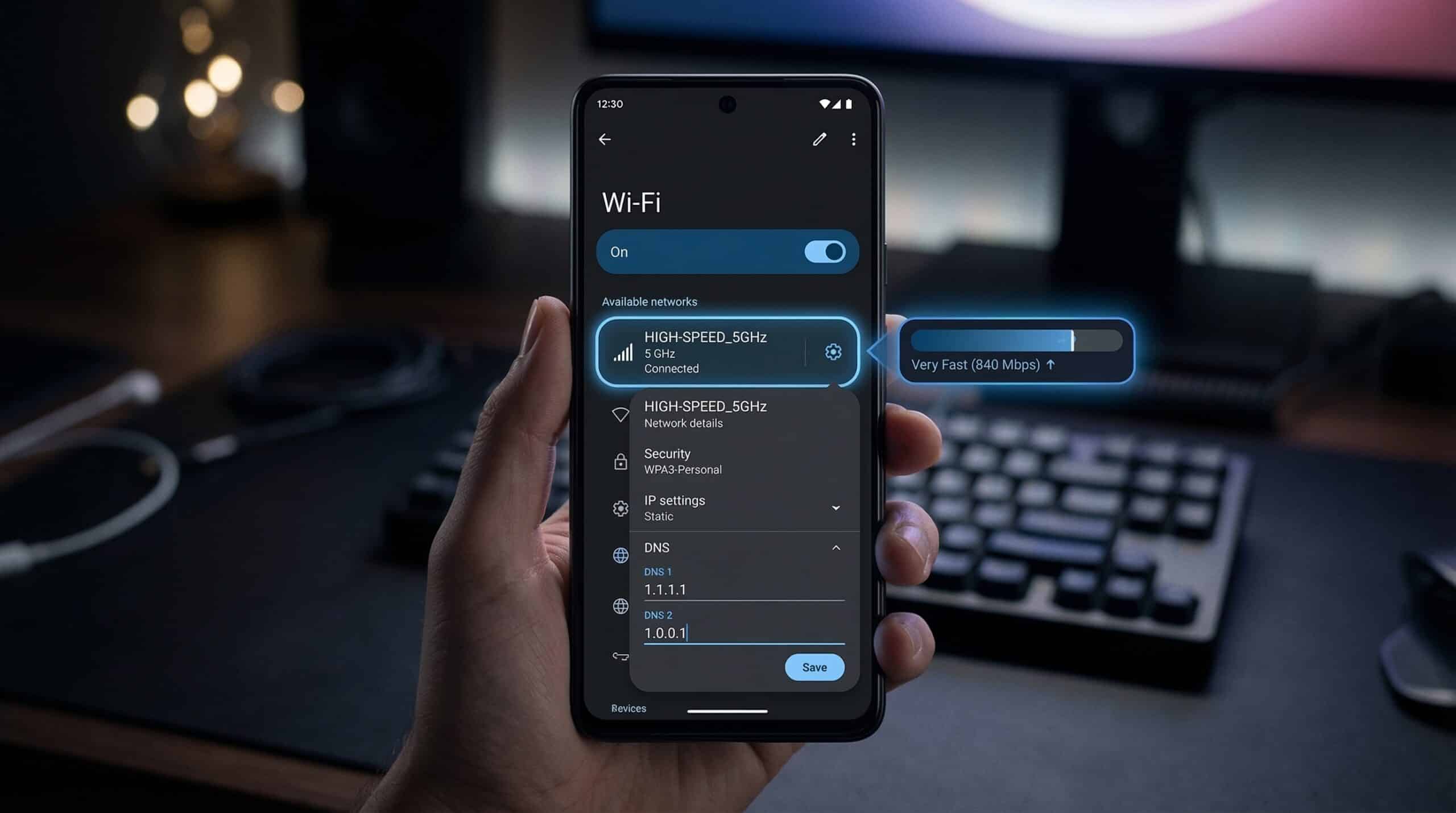
Fix 1 — Switch to 5 GHz band. Settings → WiFi → long-press your network → check band in “Details.” If on 2.4 GHz, forget the network and reconnect specifically to the 5 GHz network (usually a separate network name on older routers, or accessible via WiFi band settings on newer Android versions).
Fix 2 — Disable adaptive WiFi / WiFi+. Settings → Network → WiFi → WiFi preferences → “Switch to mobile data” or “Adaptive WiFi” — turn this OFF. This feature switches between WiFi and LTE based on quality, sometimes preferring slower LTE over marginal WiFi and causing speed issues.
Fix 3 — Forget and reconnect. Settings → WiFi → tap your network → Forget. Re-enter the password. Forces a fresh connection with new IP and channel negotiation.
Fix 4 — Restart network settings. Settings → General Management (or System) → Reset → Reset network settings. This clears all saved WiFi passwords, Bluetooth pairings, and cellular settings — be prepared to re-enter passwords.
Fix 5 — Disable battery saver for WiFi. Settings → Battery → Battery saver — ensure it’s off. Also check: Settings → Apps → three-dot menu → Special access → WiFi control — ensure apps aren’t controlling WiFi behavior unexpectedly.
Fix 6 — Change DNS. Settings → WiFi → long-press your network → Modify Network → Advanced → IP settings → Static → set DNS 1 to 1.1.1.1, DNS 2 to 1.0.0.1.
Fix 7 — Update Android. Settings → System → System update. Network improvements are included in Android updates.
Fix 8 — Check background apps. Settings → Apps — check which apps have background data enabled. Disable background data for high-consumption apps that don’t need it.
Fix 9 — Consider hardware limitation. Older Android phones with WiFi 4 or early WiFi 5 adapters are hardware-limited. On a 500 Mbps connection, an older phone may cap at 50–100 Mbps due to its WiFi hardware — this is expected and can’t be fixed by software.
Related Guides
- How to Fix Slow WiFi on iPhone
- How to Test Mobile Data Speed
- How to Speed Up Internet on Phone
- 2.4 GHz vs 5 GHz WiFi
- Internet Slow Only on One Device
- Best DNS Servers for Speed
Frequently Asked Questions
Why is my Samsung WiFi slow but other phones are fast?
Samsung-specific: some Samsung models have a feature called “WiFi Power Saving Mode” that reduces WiFi performance to save battery. Settings → Connections → WiFi → Advanced → WiFi Power Saving Mode — try turning this off. Also check if your Samsung is on 2.4 GHz while other phones are on 5 GHz — Samsung devices sometimes prefer 2.4 GHz on dual-band networks that use the same SSID.
Does clearing cache improve WiFi speed on Android?
Clearing the WiFi system cache can occasionally help when corrupted cache causes connection issues. Settings → Apps → three dots → Show system apps → find “WiFi” or related system apps → Storage → Clear Cache. This is a low-impact fix that doesn’t delete saved passwords. For most speed issues, it’s less effective than fixing DNS or band selection.