Why Is My Internet Slow at Night? Causes and Fixes
If your internet is fast in the morning but sluggish in the evening, you’re experiencing peak-hour network congestion. This is one of the most common internet complaints — and it has specific, identifiable causes depending on your connection type. Test at different times using our free speed test to document the pattern.
Evening Slowdowns by Connection Type
| Connection Type | Cause of Evening Slowdown | Severity |
|---|---|---|
| Cable (DOCSIS) | Shared neighborhood node congestion | High — 30–60% speed reduction common |
| DSL | Exchange-level congestion | Moderate — less shared than cable |
| Fiber | Rare — dedicated per-home infrastructure | Low — minimal evening variation |
| 5G Home Internet | Cell tower peak congestion | Moderate — varies by tower load |
| Satellite (Starlink) | Peak subscriber usage periods | Moderate during peak hours |
Cable Congestion — Why It Happens Every Evening
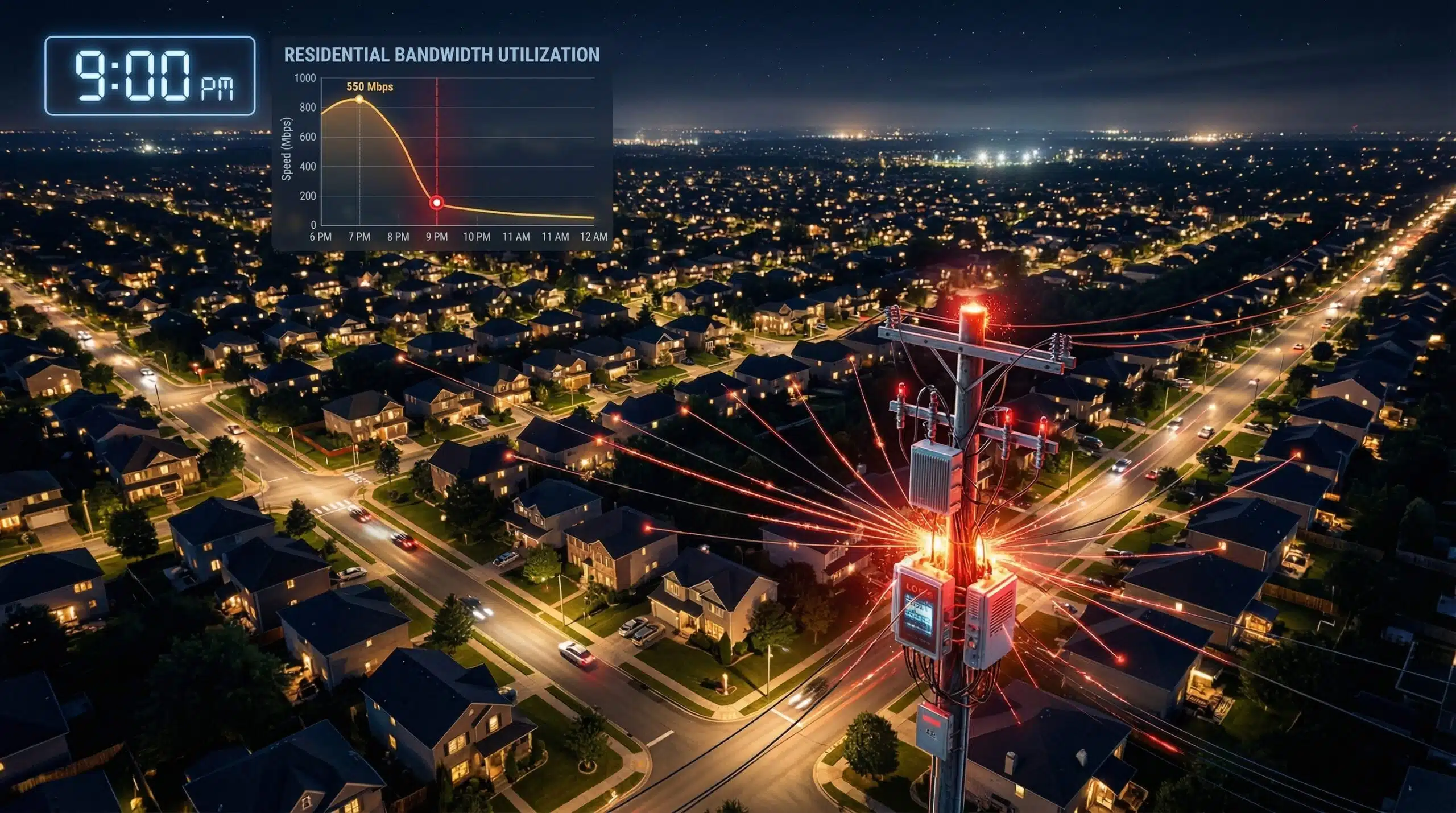
Cable internet’s DOCSIS architecture shares a single upstream node among 200–500 neighborhood homes. At 8pm on a weeknight, virtually all of those households are streaming, gaming, and browsing simultaneously. The shared node’s total capacity (typically 1–10 Gbps divided among all users) becomes the bottleneck. Your ISP’s per-customer allocation fills the node’s capacity. This is structural — it cannot be fixed by optimizing your home network. See our network congestion guide for the full technical explanation.
What You Can Actually Do
Document the problem: Run speed tests at 7am, 2pm, and 8pm for 3–5 days and record results. Contact your ISP: With documented speed drops (especially if speeds fall below your plan’s guaranteed minimums), file a formal complaint. ISPs are often more responsive to documented evidence. Consider switching: If fiber is available, evening speeds on fiber typically vary less than 10% from peak. Schedule downloads: Large downloads at 2am or 6am run at full plan speed. For checking whether your ISP is throttling specifically (vs general congestion), see our ISP throttling detection guide.
Related Guides
- What Is Network Congestion?
- How to Check If ISP Is Throttling
- Why Is Ping High at Night?
- Download Speed Slower Than Plan
- Fiber vs Cable Internet
- What Causes Slow Internet?
Frequently Asked Questions
Is slow internet at night a sign I need to upgrade my plan?
Not necessarily — upgrading your cable plan with the same ISP often provides minimal improvement during congested peak hours because the congestion is at the shared node, not in your per-customer allocation. Your neighbors all get more speed too, and the node is still full. Switching to fiber or a different technology addresses the structural cause. If fiber isn’t available, upgrading to the highest-tier plan may give some improvement if it moves you to a less-congested node tier.
Why is gaming ping high at night?
Same cause — peak-hour node congestion increases latency as packets queue at the congested node. Even if download speed only drops 20%, latency may increase significantly as packet queuing delays compound. Ping spikes of 50–200ms during evening gaming sessions are a direct symptom of cable congestion. See our dedicated guide on why ping is high at night.
Does restarting my router fix slow evening speeds?
No — router restarts clear your home network state but have no effect on ISP infrastructure congestion. The slowdown is happening outside your home at the ISP’s shared node. Restarting helps when the router itself is the cause of slowness (memory leak, stuck connections) — these typically cause all-day slowness, not just evening slowness. If restarting temporarily helps in evenings, router overload from many active connections is a secondary factor.