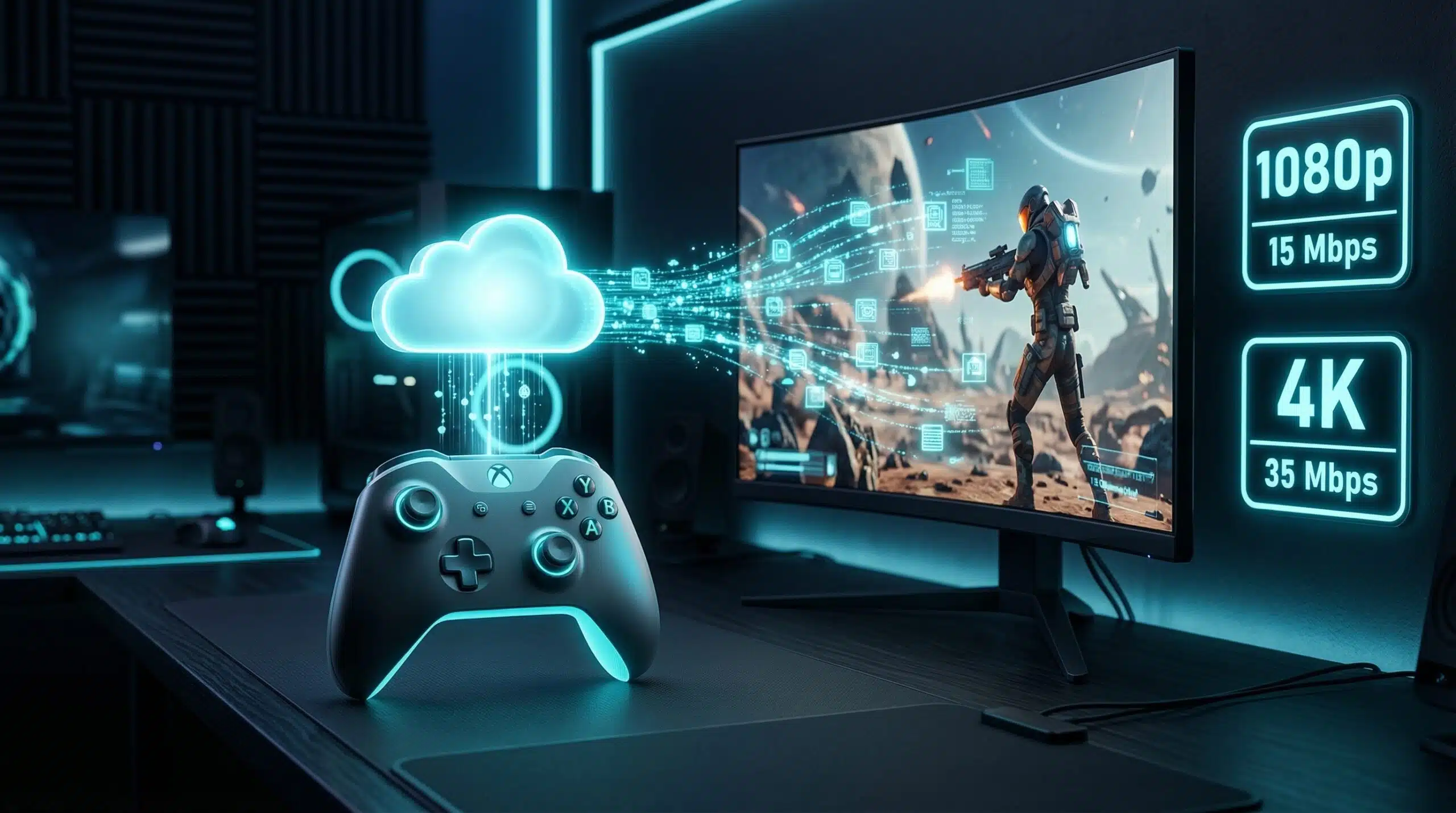
Internet Speed for Cloud Gaming — GeForce NOW, Xbox Cloud, PlayStation Now
Cloud gaming streams the entire game — graphics, physics, and processing — from a remote server to your screen. Unlike traditional gaming where your PC/console does the work locally, cloud gaming requires sustained download bandwidth AND low latency. Both speed and latency must be adequate simultaneously. Test your connection at instantspeedtest.net/ before subscribing.
Cloud Gaming Speed Requirements — By Platform and Quality
| Platform | Min Speed | 1080p 60fps | 4K Streaming | Max Latency |
|---|---|---|---|---|
| Xbox Cloud Gaming | 7.5 Mbps | 20 Mbps | N/A (1080p max) | Under 40ms |
| NVIDIA GeForce NOW | 15 Mbps | 25 Mbps | 40 Mbps | Under 40ms |
| PlayStation Plus (PS Now) | 5 Mbps | 15 Mbps | N/A | Under 40ms |
| Amazon Luna | 10 Mbps | 20 Mbps | 35 Mbps | Under 40ms |
| Shadow PC | 15 Mbps | 30 Mbps | 50+ Mbps | Under 30ms |
The Latency Requirement — Why Cloud Gaming Needs Low Ping
In traditional gaming, your inputs process locally in milliseconds. In cloud gaming, every button press travels from your controller to a data center server and back before appearing on screen. At 40ms latency, this round trip adds 40ms of input delay — noticeable but acceptable for casual games. Above 60ms, fast-paced games feel unresponsive. Above 80ms, cloud gaming is essentially unplayable for action games. This makes cloud gaming on satellite internet (even Starlink at 30–60ms) marginal for competitive titles. See our console gaming speed guide for traditional vs cloud comparison.
Related Guides
- Internet Speed for VR Gaming
- Internet Speed for PS5 and Xbox
- What Is a Good Ping for Gaming?
- Is 50 Mbps Good for Gaming?
- How to Reduce Ping in Gaming
- Wired vs Wireless Internet Speed
Frequently Asked Questions
Is 10 Mbps enough for cloud gaming?
Barely — Xbox Cloud Gaming’s minimum is 7.5 Mbps, but at 10 Mbps you’ll experience lower resolution (720p), occasional compression artifacts, and limited headroom for quality maintenance. 20–25 Mbps provides a noticeably better 1080p experience. The latency requirement is equally critical — 10 Mbps with 20ms ping beats 50 Mbps with 80ms ping for cloud gaming responsiveness.
Can I cloud game on WiFi?
Yes, but Ethernet is strongly recommended for competitive cloud gaming. WiFi adds 5–15ms latency and introduces jitter — both directly worsen cloud gaming responsiveness. On WiFi 6 at close range, the performance is acceptable for casual gaming. For competitive titles, the combined input delay of cloud gaming (20–40ms) plus WiFi latency (10–15ms) makes Ethernet essential to stay below the 40ms total threshold.
Which cloud gaming service has the lowest latency?
NVIDIA GeForce NOW consistently achieves the lowest latency in benchmarks due to extensive data center presence near population centers. Microsoft’s Xbox Cloud Gaming has expanded data centers rapidly. Latency primarily depends on your geographic distance to the nearest data center — a service with a regional data center 100 km away will outperform a competitor whose nearest data center is 1,000 km away regardless of their technical infrastructure.