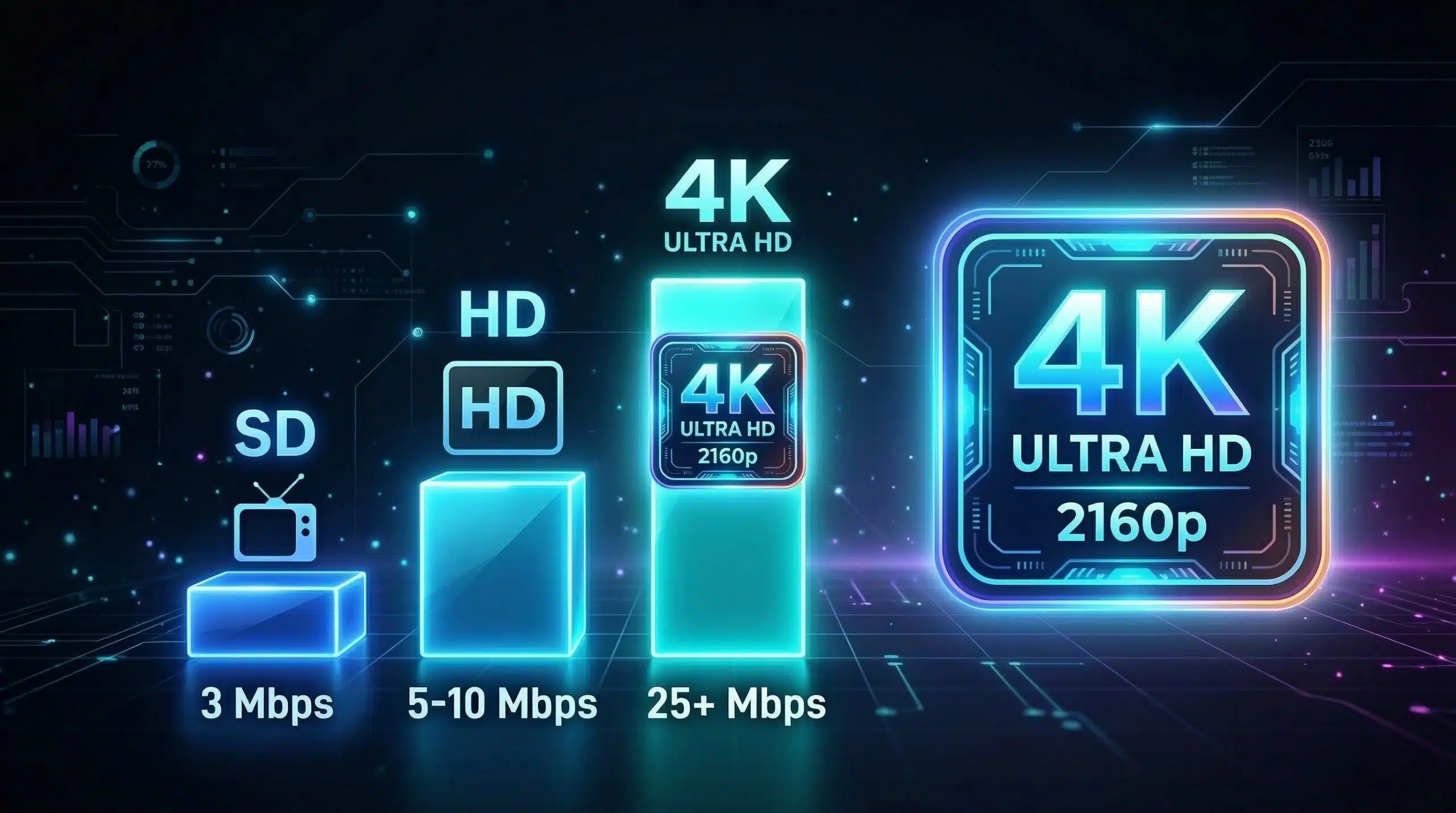
Good Internet Speed for Streaming — By Platform and Quality
Streaming speed requirements vary by platform and quality setting. The key rule: you need consistent speed, not just peak speed. A connection that averages 30 Mbps but dips to 5 Mbps for a few seconds causes buffering on a 4K stream even though the average is more than adequate. Test your connection stability at instantspeedtest.net/.
Streaming Speed Requirements by Platform and Quality
| Platform | SD | HD (1080p) | 4K UHD |
|---|---|---|---|
| Netflix | 3 Mbps | 5 Mbps | 25 Mbps |
| YouTube | 3 Mbps | 5 Mbps | 20 Mbps |
| Disney+ | 5 Mbps | 10 Mbps | 25 Mbps |
| Amazon Prime Video | 1 Mbps | 5 Mbps | 25 Mbps |
| Apple TV+ | 3 Mbps | 8 Mbps | 25 Mbps |
| Hulu | 1.5 Mbps | 6 Mbps | 16 Mbps |
| Max (HBO Max) | 5 Mbps | 5 Mbps | 25 Mbps |
| Twitch watching | 3 Mbps | 6 Mbps | N/A |
The Real Issue — Why Your Speed Test Passes But Streaming Buffers
Buffering despite adequate speed usually indicates: peak-hour ISP congestion causing speed drops during 7–10pm when you typically stream; ISP-specific throttling of streaming services (test Fast.com vs Ookla to identify this); WiFi signal fluctuations causing momentary speed drops; or the streaming service’s servers being overloaded during popular content releases. For a complete diagnosis guide, see how to fix buffering. If you suspect your ISP is throttling streaming specifically, check our ISP throttling guide.
Related Guides
- Internet Speed for Netflix 4K
- How to Fix Buffering
- Is 25 Mbps Good Internet Speed?
- Is 50 Mbps Good for Gaming?
- How Much Internet Speed Do You Need?
- Good Internet Speed for One Person
Frequently Asked Questions
Why does Netflix keep buffering if my speed is fast?
Most common causes: peak-hour ISP congestion slowing your connection during evening viewing; ISP throttling of Netflix traffic specifically (run Fast.com vs Ookla to compare); WiFi signal dropping momentarily in your viewing room; or the Netflix app cached buffer running out while refilling. Try Ethernet instead of WiFi and test at different times of day to isolate the cause.
Is 10 Mbps enough for streaming?
Yes for HD (1080p) streaming on one device — all platforms require under 10 Mbps for 1080p. Not enough for 4K streaming (requires 15–25 Mbps). If you want 4K on one screen while someone else browses, 25–35 Mbps is the minimum comfortable configuration.
How many Mbps do I need for streaming on multiple TVs?
For HD (1080p) on three TVs simultaneously: 15–25 Mbps. For 4K on three TVs simultaneously: 75 Mbps. Add headroom for other household activity: 4K on three TVs plus gaming plus video calls comfortably fits within a 150 Mbps plan, though a 100 Mbps plan handles most real-world usage patterns.