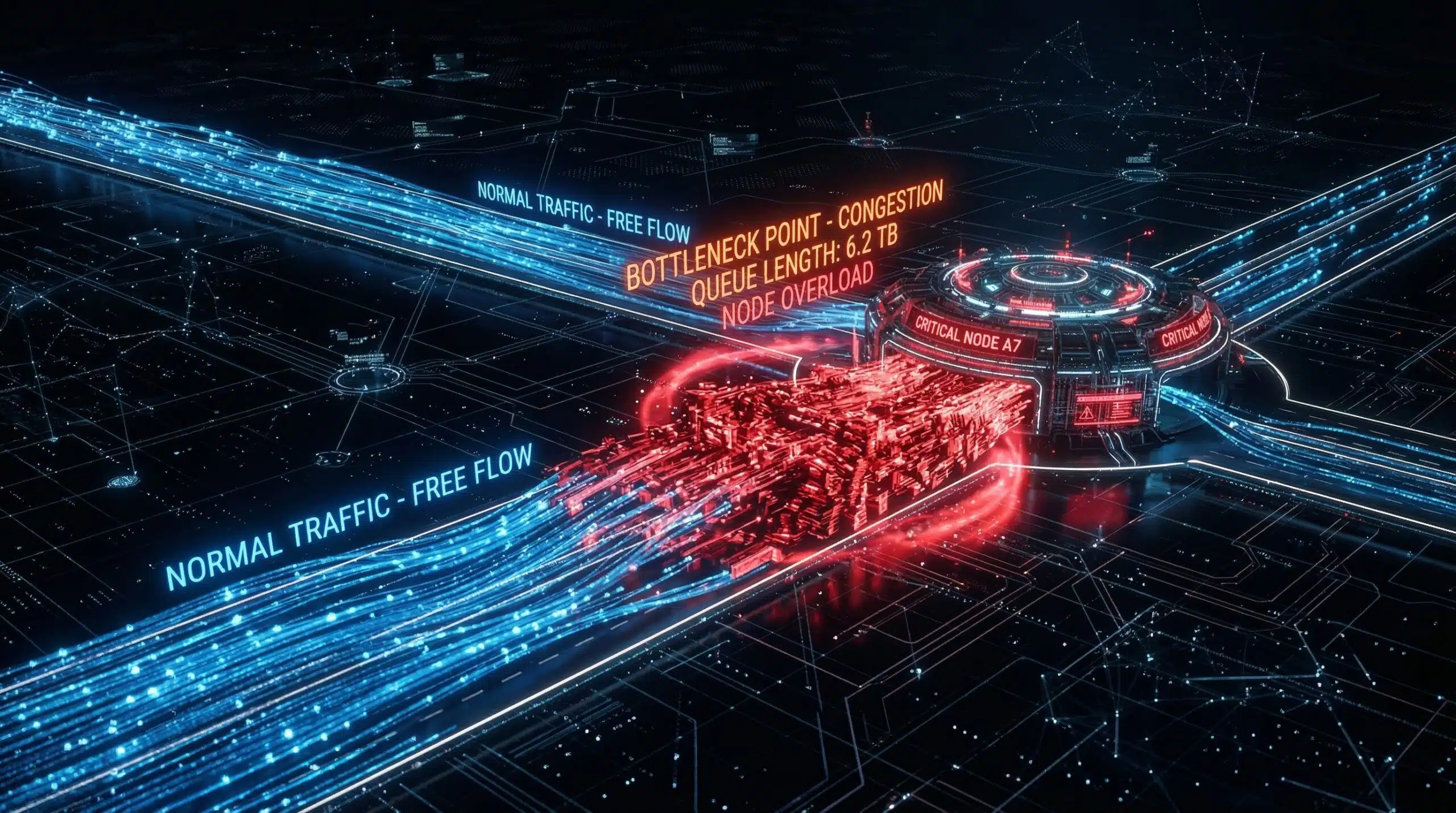
What Is Network Congestion?
Network congestion happens when traffic demand exceeds the capacity available at a network segment. Like highway traffic during rush hour, packets compete for limited bandwidth and may be delayed or dropped. Congestion can occur within your home network, at your ISP’s access or backhaul network, at interconnections, or near a destination server. Our free speed test measures performance to its test endpoint; a slow result alone cannot locate the bottleneck.
Types of Network Congestion — Where It Occurs
| Congestion Point | Cause | Who Can Fix It | Signs |
|---|---|---|---|
| Home network | Too many devices, saturated WiFi | You | Slow on all devices simultaneously |
| ISP last mile | Shared access capacity (including cable and PON fiber) | ISP | Repeatable slowdown at busy times; needs controlled testing |
| ISP backbone or interconnection | Insufficient backhaul or peering capacity | ISP | Slow to specific destinations |
| Internet exchange | Traffic surges (events, outages) | Relevant network operators | Slow across many sites simultaneously |
| Server-side | Overloaded origin server | Site owner | Slow on one site; others fast |
Cable Internet and Neighborhood Congestion — The Problem
Cable access shares capacity among subscribers, so an under-provisioned segment can slow down when demand increases. Fiber can provide high capacity, but it does not eliminate shared infrastructure or congestion. On passive optical networks such as GPON, multiple premises share a PON port’s capacity; ISP backhaul and interconnections can also become bottlenecks. Cisco’s GPON guide explains the shared upstream bandwidth and its allocation. Actual busy-hour performance depends on network design and provisioning, not simply cable versus fiber. See our guide on why internet is slow at night.
How to Identify and Address Congestion
Use the same device, preferably connected by Ethernet, at several times of day. Pause other household transfers, record the test destination, and compare idle with loaded latency as well as throughput. Repeatable evening slowdowns suggest a capacity issue, but do not prove where it is. Different test services may use different servers, routes and measurement methods, so a difference between them alone does not establish peering congestion. If only WiFi is affected, investigate signal and interference; if all wired devices and several destinations are affected, share dated results with your ISP. Supported QoS or smart queue management may help queues on your own connection, but cannot add capacity to an overloaded ISP link. For a separate investigation of traffic management, see how to check for ISP throttling.
Related Guides
- Why Is My Internet Slow at Night?
- How to Check If ISP Is Throttling
- Bandwidth vs Speed
- What Causes Slow Internet?
- What Is Cable Internet?
- Fiber vs Cable Internet
Frequently Asked Questions
Does a VPN help with network congestion?
A VPN changes the route and adds an encrypted tunnel, so it may improve or worsen performance depending on the bottleneck. It cannot create additional capacity on a saturated home connection or shared access link. A faster VPN result alone does not prove that your ISP was throttling an application. Compare repeated results under the same conditions and consider VPN server load and routing. See our VPN speed impact guide.
Why is my internet fast in the morning but slow at night?
More household and network activity in the evening can expose capacity limits, but WiFi interference, background transfers and destination load can produce a similar pattern. Repeat the comparison over Ethernet with other transfers paused. Cable, PON fiber and wireless access can all encounter shared-capacity limits. A plan upgrade helps only if the limiting factor is the capacity allocated to your connection; it may not solve a congested shared segment. Ask your ISP to investigate before changing plans.
Can network congestion damage my equipment?
Congestion itself affects data delivery rather than physically damaging equipment. It can delay or drop packets, reduce throughput and interrupt applications. Heat, power faults or failing hardware are separate problems that need their own diagnosis; do not assume a device fault is caused by congestion.